Finding the right AI story generator for kids can feel overwhelming. There are dozens of tools claiming to create magical children's stories, but most parents quickly discover a hard truth: generating text is easy. Generating a complete, illustrated, age-appropriate storybook that your child will actually love? That's another matter entirely.
This guide compares the best AI story makers for children available right now, across the criteria that actually matter to parents: illustration quality, age-appropriate content filtering, language support, export formats, and pricing. Whether you are looking for a quick bedtime story or a full illustrated book you can print and keep, there is a tool here that fits your needs.
What to Look for in an AI Story Generator for Kids
Before diving into the comparison, here is a quick framework for evaluating any AI children's story tool:
- Illustration integration — Does the tool generate images alongside the story, or does it only produce text?
- Age-appropriate content — How reliably does it stay safe and suitable for children aged 3–12?
- Personalization depth — Can you put your child's name, personality, and specific interests into the story?
- Language support — Can it create stories in languages other than English? Useful for bilingual families.
- Export options — Can you save or print the result as a PDF, share it as a video, or read it on a device?
- Ease of use — Can a parent with no design or AI experience get a polished result in under 10 minutes?
- Pricing — What does a usable, finished story actually cost?
Keep these in mind as we work through each tool.
The Best AI Story Generators for Kids in 2026
1. StoryPix — Best Complete Illustrated Storybook Studio
StoryPix is purpose-built for creating illustrated children's storybooks from scratch. Unlike general-purpose AI tools, every feature in StoryPix exists specifically to turn a simple idea into a finished storybook — complete with AI-generated illustrations, voiceover narration, and even video.
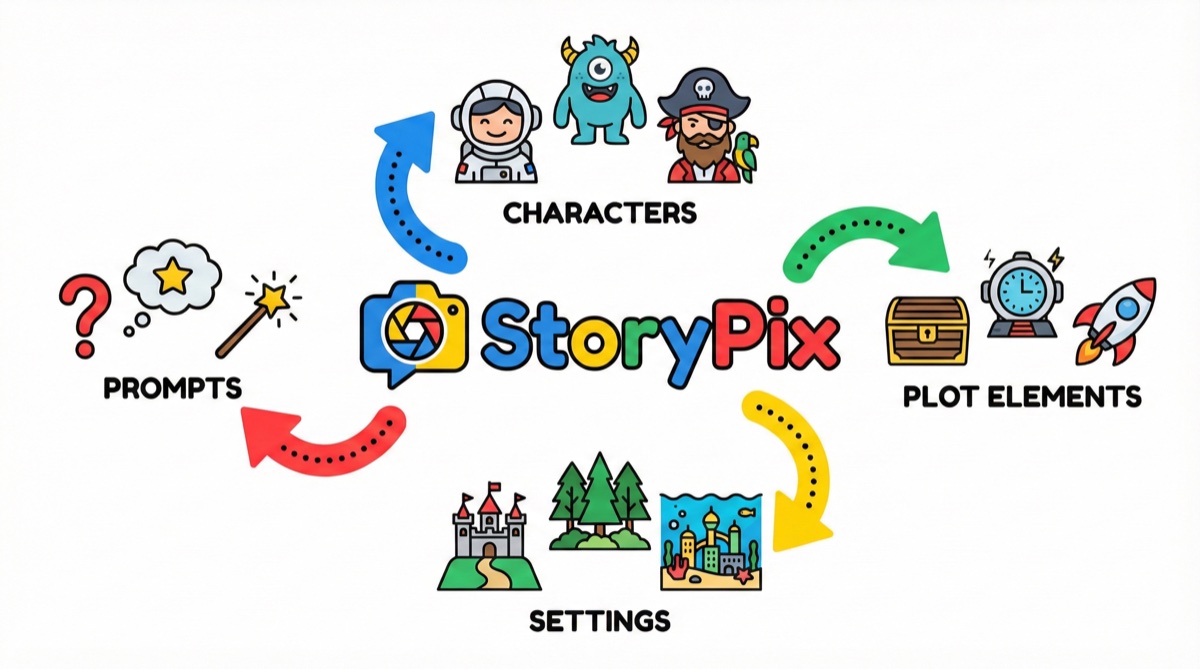
The workflow is a guided 7-step wizard. You choose a language, theme, and age group, pick one of three AI-generated story outlines, design your characters with detailed visual specs, generate illustrations scene by scene, add voiceover narration, and export in your preferred format. The whole process typically takes 15–30 minutes, depending on how much you customize.
What sets StoryPix apart:
- 8 distinct art styles — Cartoon, Watercolor, Flat, Hand-drawn, Anime, Storybook, 3D, and Crayon. Each style produces a visually consistent illustrated book, not a random assortment of images.
- AI character design system — Characters are created with detailed visual specifications (clothing, colors, facial features) so every illustration looks like the same character, not a different one every time.
- 7 language support — English, Chinese (Simplified and Traditional), Japanese, Korean, Spanish, and French. Stories can be translated into 10 languages after creation.
- Video storybook export — The finished story can be exported as a video with transitions, subtitles, and narration — something no other tool on this list offers.
- Voiceover with 60+ voices — Four voice engines with male, female, and child voice options across multiple languages.
- Multiple export formats — PDF (standard and spread layouts), ePub, and video.
To see finished examples, the StoryPix gallery shows real stories created by parents across multiple art styles.
For a deeper walkthrough of how the tool works, the AI story generator guide covers the complete 7-step process.
Pricing: StoryPix uses a credit system. The free tier includes 300 credits — enough for approximately one complete story. Paid plans start at Starter ($19.99/month), Standard ($39.99/month), and Pro ($79.99/month). Full pricing details are on the pricing page.
Honest assessment: StoryPix is the most feature-complete option on this list, but it comes with a learning curve. The 7-step wizard takes some time on your first run. Parents who want the deepest personalization, consistent illustrated art, and multiple export formats will find it worth it. If you need a single quick story in 2 minutes with no account setup, a lighter tool might serve you better.
Pros:
- Most complete illustrated storybook workflow available
- Consistent character art across all illustrations
- Video and voiceover export unique to this tool
- Strong multilingual support for bilingual families
- Age-specific content tuning (3–5, 6–8, 9–12)
Cons:
- Free tier is limited to approximately one complete story
- More setup required than simple text-only generators
- Full video export is on higher-tier plans
💡 Try creating your first story free — no credit card required. The free tier gives you enough credits to complete one full illustrated story from start to finish. [Try creating your first story free →](/register)
2. ChatGPT + DALL-E — Best for Flexibility and Custom Prompts
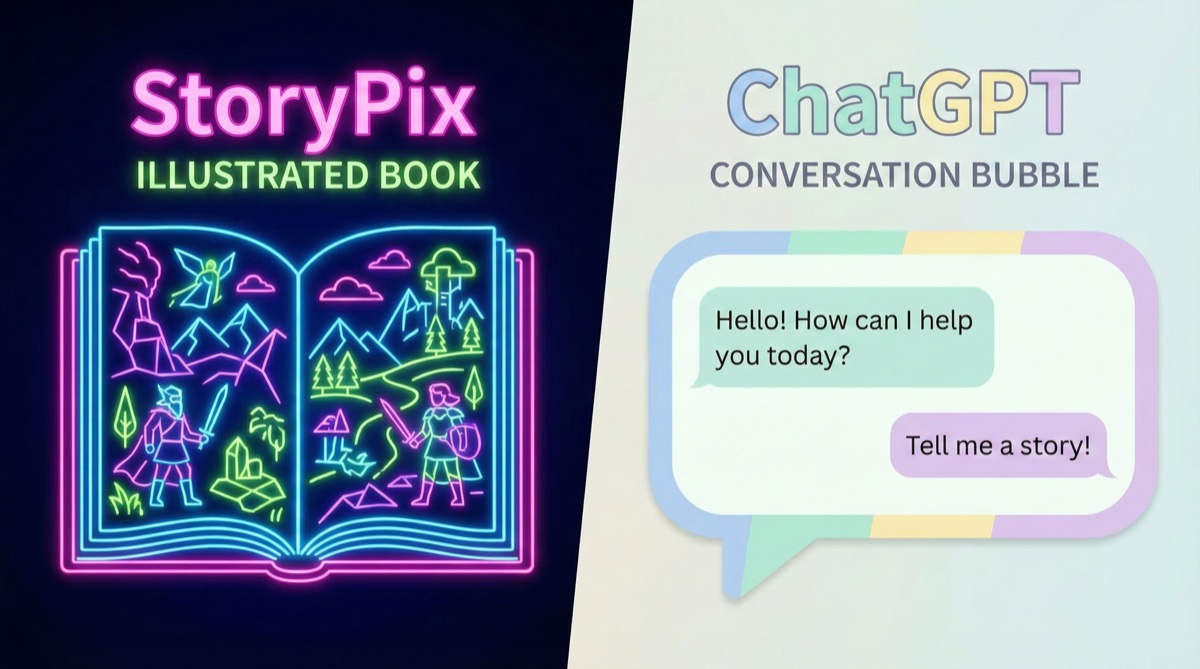
ChatGPT with image generation (powered by DALL-E) is the most flexible tool on this list, but it requires the most effort to use well for children's stories. There is no guided wizard, no character consistency system, and no export pipeline. You are working with raw AI and building your own workflow.
That said, for parents comfortable with prompt writing, ChatGPT can produce genuinely excellent story text. You can give it detailed instructions about characters, lesson themes, reading level, and narrative structure. The stories it generates are often more nuanced than what dedicated children's tools produce.
The image generation side is more uneven. DALL-E produces high-quality individual illustrations, but maintaining visual consistency across 8–12 images for a single story is difficult. Each image is generated independently, so the same character may look noticeably different from scene to scene.
Pros:
- Highly flexible — works for any topic, tone, or length
- Strong story writing quality when prompted well
- Included with ChatGPT Plus ($20/month)
Cons:
- No character consistency across illustrations
- No export or formatting tools — you assemble everything manually
- Requires prompt engineering knowledge for best results
- No age-gating or content filtering specifically for children
Best for: Parents who enjoy experimenting with AI and want maximum creative control, and are willing to do the assembly work themselves. For a detailed side-by-side, see our StoryPix vs ChatGPT comparison.
3. Google Gemini — Best for Quick Story Drafts
Google Gemini is a strong general-purpose AI assistant with excellent writing capabilities. For generating story text quickly — especially educational stories or stories tied to curriculum topics — it performs well. Its reasoning ability means it handles nuanced themes like empathy, problem-solving, or cultural learning with care.
However, Gemini in its standard form does not generate illustrations. You can pair it with Google's Imagen through the API or use Gemini Advanced for some image capabilities, but there is no integrated children's storybook workflow. Like ChatGPT, you are piecing together a workflow rather than using a dedicated tool.
Gemini is free at a basic level, which makes it appealing for parents who just need occasional story text and are not looking for illustrated output.
Pros:
- Free tier available
- Strong writing quality, especially for educational content
- Handles multiple languages well
- Good at nuanced, age-appropriate themes
Cons:
- No integrated illustration generation for stories
- No storybook formatting or export
- Requires manual assembly for any visual result
Best for: Parents who want to draft story text they will illustrate themselves, or who just want something to read aloud rather than a finished illustrated book.
4. NovelAI — Best for Fantasy and Older Kids (10+)
NovelAI is a subscription AI writing tool with an integrated image generation system. It was built primarily for adult fiction writers, but its illustration capabilities and writing flexibility make it worth mentioning for older children and parents creating fantasy or adventure stories.
The image generation in NovelAI is particularly strong for anime and illustrated styles, which some children in the 10–12 age range love. The writing model can maintain consistent narrative threads across longer stories.
However, NovelAI is explicitly not designed for young children. Content filtering is minimal compared to purpose-built children's tools, and the interface assumes writing experience. Using it for a 5-year-old's bedtime story would be an awkward fit.
Pricing: Plans start at $10/month (Tablet tier) up to $25/month (Opus tier).
Pros:
- High-quality anime and illustrated art styles
- Strong for longer, more complex narratives
- Consistent narrative quality for adventure/fantasy genres
Cons:
- Not designed for young children — minimal content safeguards
- Interface is complex for casual users
- No guided workflow for storybook creation
- No voiceover, video, or export formatting
Best for: Parents creating stories for older kids (10+) who love anime or fantasy aesthetics, and who are comfortable with a more technical tool. For a three-way comparison, see StoryPix vs Storybird vs NovelAI.
5. Storybird — Best for Creative Writing Education
Storybird has been around since 2009 and has a long track record in education. It has evolved from a purely human-created illustration tool into a platform with AI assistance. It is widely used in schools for creative writing assignments.
Storybird's strength is its curated art library and its focus on the writing process. It is a good tool for children to use themselves — there are teacher accounts, classroom features, and age-appropriate community content. The AI writing assistance helps children develop their own stories rather than generating everything automatically.
Where Storybird falls short for parents wanting a quick, polished output: the AI generation is less powerful than newer tools, and the art style options are more limited. It is a better fit as an educational activity than as a tool for creating a bedtime story quickly.
Pros:
- Established, education-focused platform with safety emphasis
- Good for children to use themselves (ages 8+)
- Classroom and teacher account features
- Curated, consistently child-appropriate art
Cons:
- AI generation capabilities less advanced than newer tools
- Limited personalization — you choose from existing illustrations rather than generating custom ones
- Free tier is quite limited; paid plans required for most features
Best for: Teachers or parents using story creation as a creative writing activity with kids, rather than creating a story for a young child.
6. Canva AI — Best for Design-Focused Parents
Canva's AI tools — particularly Magic Write and AI image generation — allow parents who already use Canva to create story-style layouts. If you have a Canva Pro subscription, you can draft story text with Magic Write, generate illustrations, and assemble everything into a formatted PDF using Canva's templates.
This is not a purpose-built children's story tool. There is no guided storybook workflow, no character consistency system, and no age-specific content settings. But for parents who are already comfortable with Canva and want design control over the finished layout, it is a viable option.
The quality of Canva's AI-generated images has improved significantly, though it still lags behind dedicated image generation tools for consistent character art.
Pricing: Canva Free includes limited AI credits. Canva Pro is $15/month and includes expanded AI features.
Pros:
- Excellent layout and design templates for storybook formatting
- Familiar interface for parents already using Canva
- Good for designing printable physical books
- Strong PDF export quality
Cons:
- No integrated storybook workflow — significant manual assembly required
- No character consistency for illustrations
- No voiceover, narration, or video output
- Not specifically designed for children's content
Best for: Design-savvy parents who want to create a beautifully formatted, print-ready storybook and are comfortable doing manual layout work.
Side-by-Side Comparison
| Tool | Illustrations | Character Consistency | Languages | Export Formats | Age-Appropriate Filtering | Starting Price |
|---|---|---|---|---|---|---|
| StoryPix | Yes (8 styles) | Yes (AI character design) | 7 languages | PDF, ePub, Video | Yes (age groups 3–12) | Free / $19.99/mo |
| ChatGPT + DALL-E | Yes (manual) | No | Any | None (manual) | Basic | $20/mo (Plus) |
| Google Gemini | No | N/A | Strong | None | Good | Free |
| NovelAI | Yes | Partial | Limited | None | Minimal | $10/mo |
| Storybird | Curated only | N/A | English primarily | Strong | Free (limited) | |
| Canva AI | Yes (manual) | No | Limited | Basic | Free / $15/mo |
Which Tool Should You Choose?
The right answer depends on what you actually need:
Choose StoryPix if you want a finished illustrated storybook — with consistent art, a polished layout, and the option to add voiceover or export as video — without needing design or AI expertise. It is the best AI children's book creator for parents who want a complete, high-quality result with minimal friction.
Choose ChatGPT + DALL-E if you enjoy working directly with AI, have some patience for prompt-writing, and want maximum creative flexibility without a structured workflow.
Choose Google Gemini if you primarily need story text and do not need illustrated output. It is the strongest free option for quick story drafts.
Choose NovelAI if you are creating stories for older kids (10+) who love anime or fantasy illustration styles, and you want more control over the narrative.
Choose Storybird if you are using story creation as an educational activity with your child, or if you need classroom-compatible tools.
Choose Canva AI if you already use Canva regularly, prioritize printable layout quality, and are comfortable assembling the story and images manually.
💡 For most parents who want a finished, illustrated storybook without a steep learning curve, StoryPix is the clearest starting point. The free tier lets you create one complete story — with illustrations, voiceover, and PDF export — before spending anything.
Frequently Asked Questions
Are AI story generators safe for kids?
Safety varies significantly by tool. Purpose-built children's platforms like StoryPix include age-appropriate content filtering and story parameters designed specifically for young audiences. General-purpose tools like ChatGPT and Google Gemini have broad safety policies but are not specifically calibrated for children's content. Always review the final output before reading it to a young child, regardless of which tool you use.
Can AI story generators create stories in languages other than English?
Several can. StoryPix supports 7 creation languages and 10 translation languages, which is especially useful for bilingual families or parents raising children with a heritage language. Google Gemini also handles multiple languages well for text generation. Most other tools on this list are primarily English-focused.
How much does a good AI-illustrated children's story cost?
With StoryPix, the free tier covers approximately one complete illustrated story. Paid plans start at $19.99/month for regular use. ChatGPT Plus ($20/month) includes image generation but requires significant manual work to produce a formatted storybook. Overall, dedicated storybook tools tend to offer better value for parents who create stories regularly, since the time saved on manual assembly offsets the subscription cost.
What age group do AI story generators work best for?
Most AI story tools can target a range of ages, but the level of age-specific tuning varies. StoryPix has specific settings for 3–5, 6–8, and 9–12 age groups, which affects vocabulary, sentence complexity, story length, and illustration style. For general-purpose tools, you will need to specify the age level in your prompt to get appropriate results.
Can I print AI-generated storybooks?
Yes, if the tool supports PDF export. StoryPix exports in standard and spread PDF layouts designed for printing. Canva is also a strong option for print-quality layout. Most other tools require manual formatting before printing is practical.
The Bottom Line
The best AI story generator for kids in 2026 is the one that fits your workflow, your child's age, and the kind of output you want. For parents who want the full storybook experience — consistent illustrated art, multiple art styles, voiceover, and video — StoryPix is the most complete solution available. For parents who just need occasional story text or who enjoy tinkering with AI directly, ChatGPT or Google Gemini offer more flexibility at lower cost.
The tools in this category are improving quickly. What sets the best ones apart right now is not raw AI capability — it is the thoughtfulness of the workflow design and how well the output actually serves a child sitting with a parent at bedtime.
Start your free StoryPix story today. The free tier gives you 300 credits — enough to create one complete illustrated story with AI-generated art, voiceover, and PDF export. No credit card required. Create your free story →
Related Reading:
- How to Create a Personalized Children's Book with AI — step-by-step tutorial for first-time users
- AI Story Generator with Pictures: 7 Tools Compared — focused comparison of illustration capabilities
- Free vs Paid AI Story Generators — what you get at each price point
- AI Bedtime Story Generator Guide — creating nightly stories for kids
- AI Story Generator for Teachers — classroom applications and use cases